
Appearance
Brands
A brand represents an organization whose products, services, or legal documents you want to track.
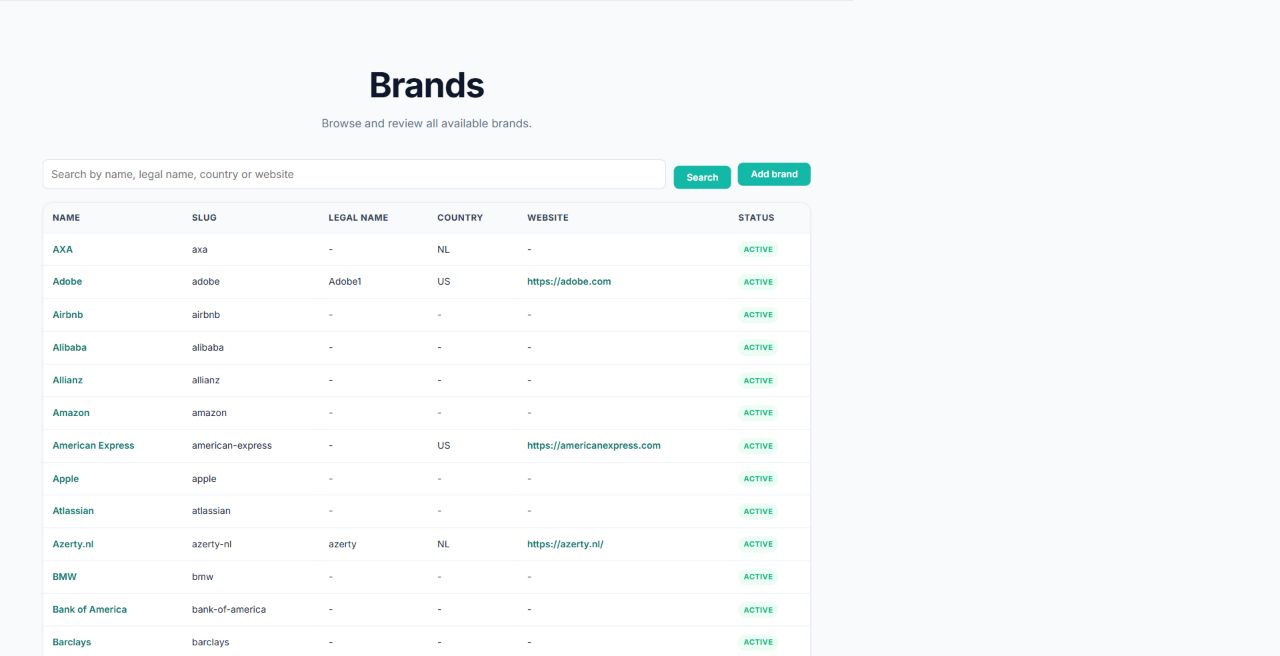
Find a brand
Open Brands from the main navigation. You can:
- search the list;
- sort by name, slug, legal name, country, or status;
- choose 20, 50, 250, or 500 rows per page;
- use Previous and Next to move through results.
Select a brand name to open its details.
Add a brand
- Open Brands.
- Select Add brand.
- Enter the brand name.
- Optionally enter its legal name, country, website, and description.
- Optionally upload a logo image.
- Leave Active enabled if the brand should be available for normal use.
- Save the brand.
ClauseWatcher checks for similarly named brands while you type. Review any suggestions to avoid creating a duplicate.
Edit a brand
Open the brand, select Edit, change the fields, and save. Existing app links use the brand slug, so change it only when you also intend to change those links.
Use the brand page
The brand page contains:
- general brand information;
- its products and services;
- legal documents that apply directly to the brand;
- actions to add a product or legal document.
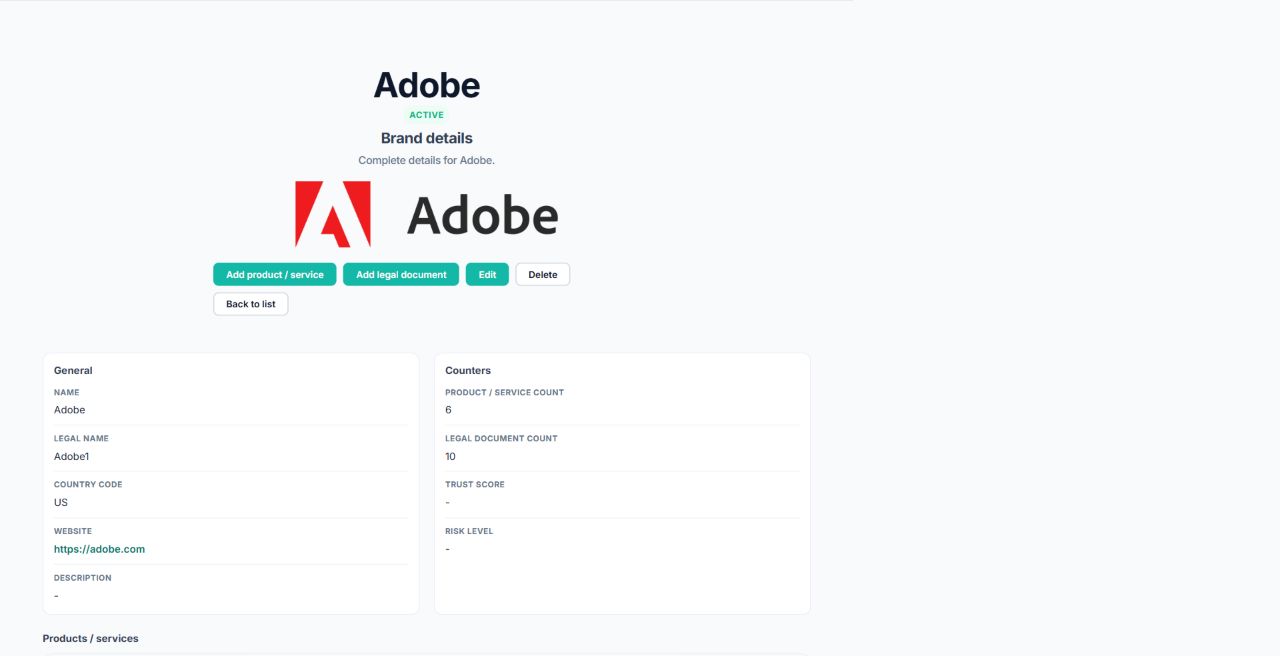
Select a product to continue to its details, or select a legal document to review its sources, versions, and analysis.
Delete a brand
If the delete action is available, ClauseWatcher asks for confirmation. Deletion can be unavailable when the brand still has related content. Remove or reassign dependent items first, and only delete when you are certain the brand is no longer needed.